Remind me at
KeyH- Thread
- Proofs for the spring issue
- Returns
- Tomorrow, 09:00
- Gmail label
- [Outpost]/snoozed
Leaves the inbox now. Comes back to the top at the moment you picked, dated then.

Every Gmail and Google Calendar account you answer to, in one window, worked from the keys.
A desktop client for people with more than one Google account. Mail from all of them lands in one inbox, colour-coded by account; their calendars merge into one week. Then single keys do the work.
Apple Silicon by default. Intel Mac build
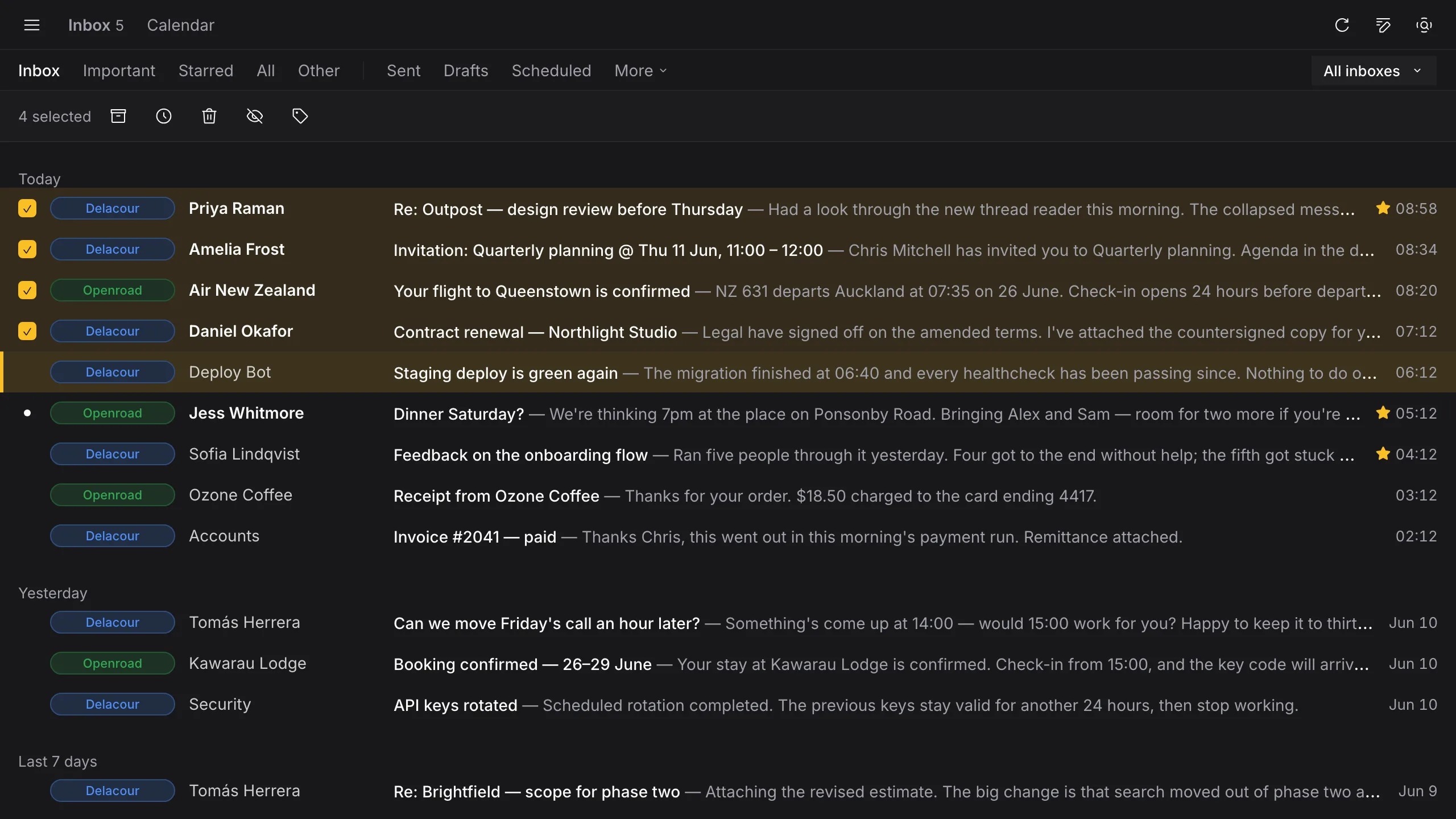
4 unread · Six messages waiting on three accounts.
Sample messages. Click the inbox and press E, H or S, or tap the keys.
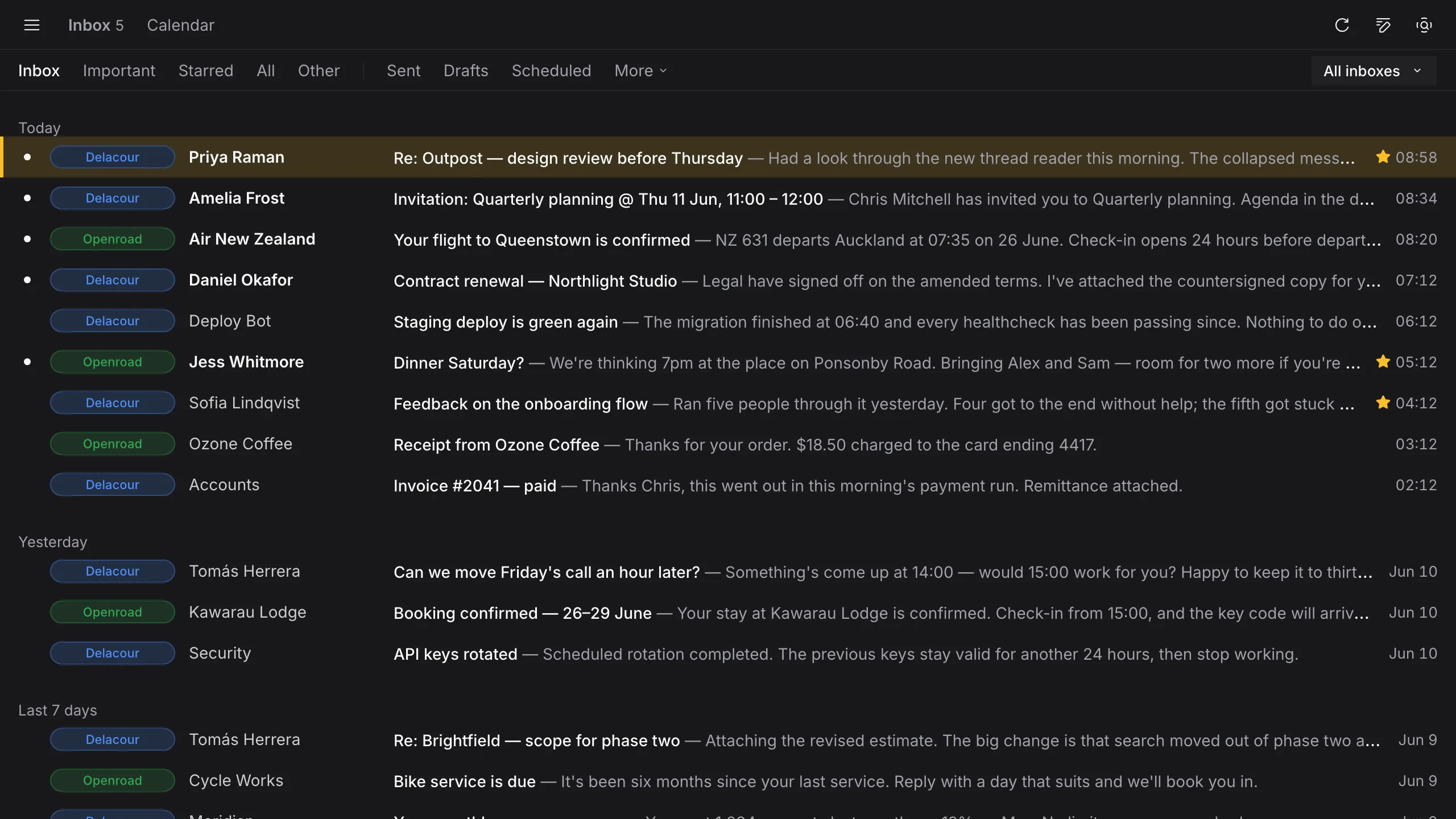
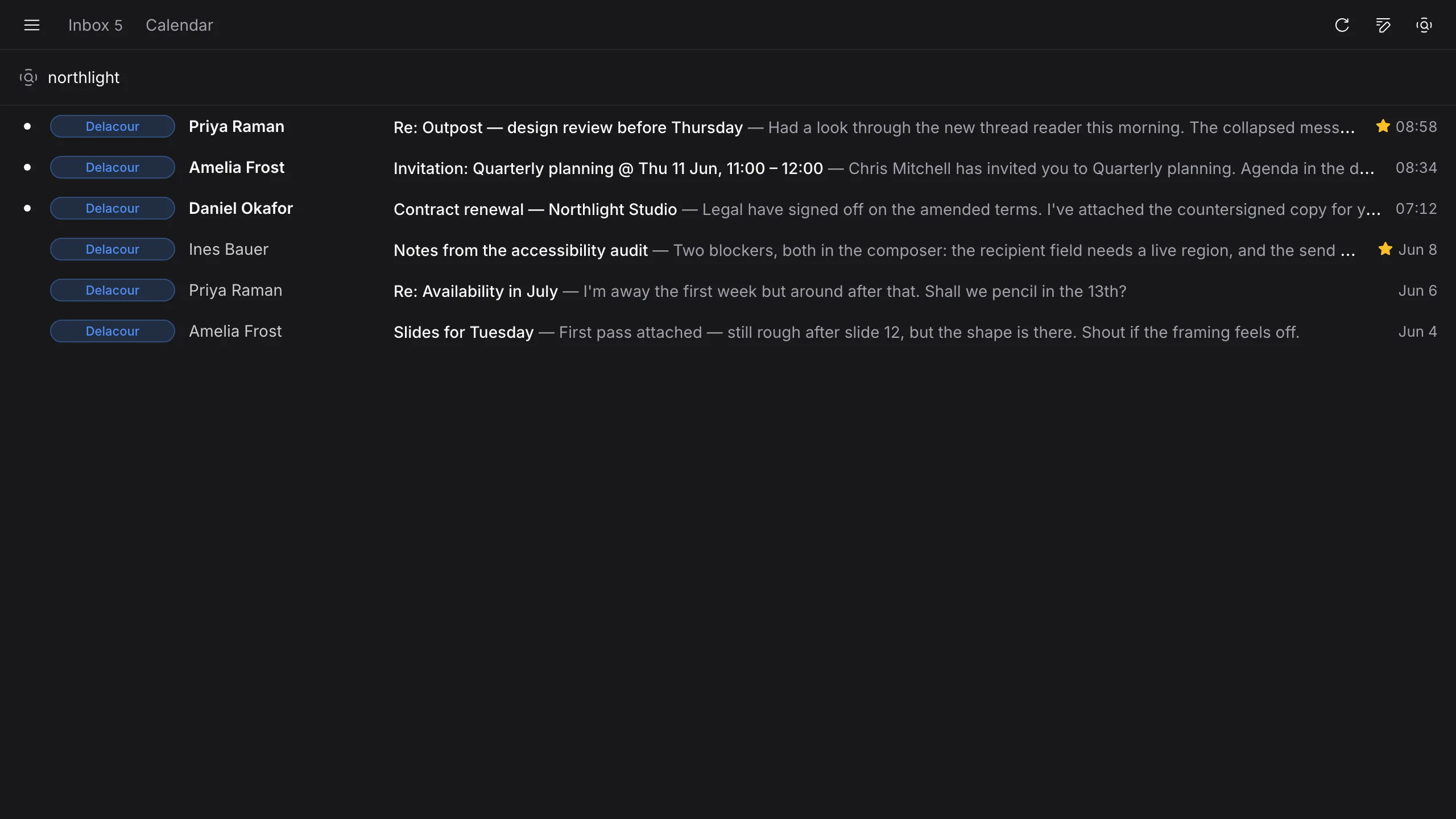
Work, home, the side project: each Google account keeps its own name and colour, and they share one list grouped by when the mail arrived. Filter down to a single account when you need to, and search across all of them at once.
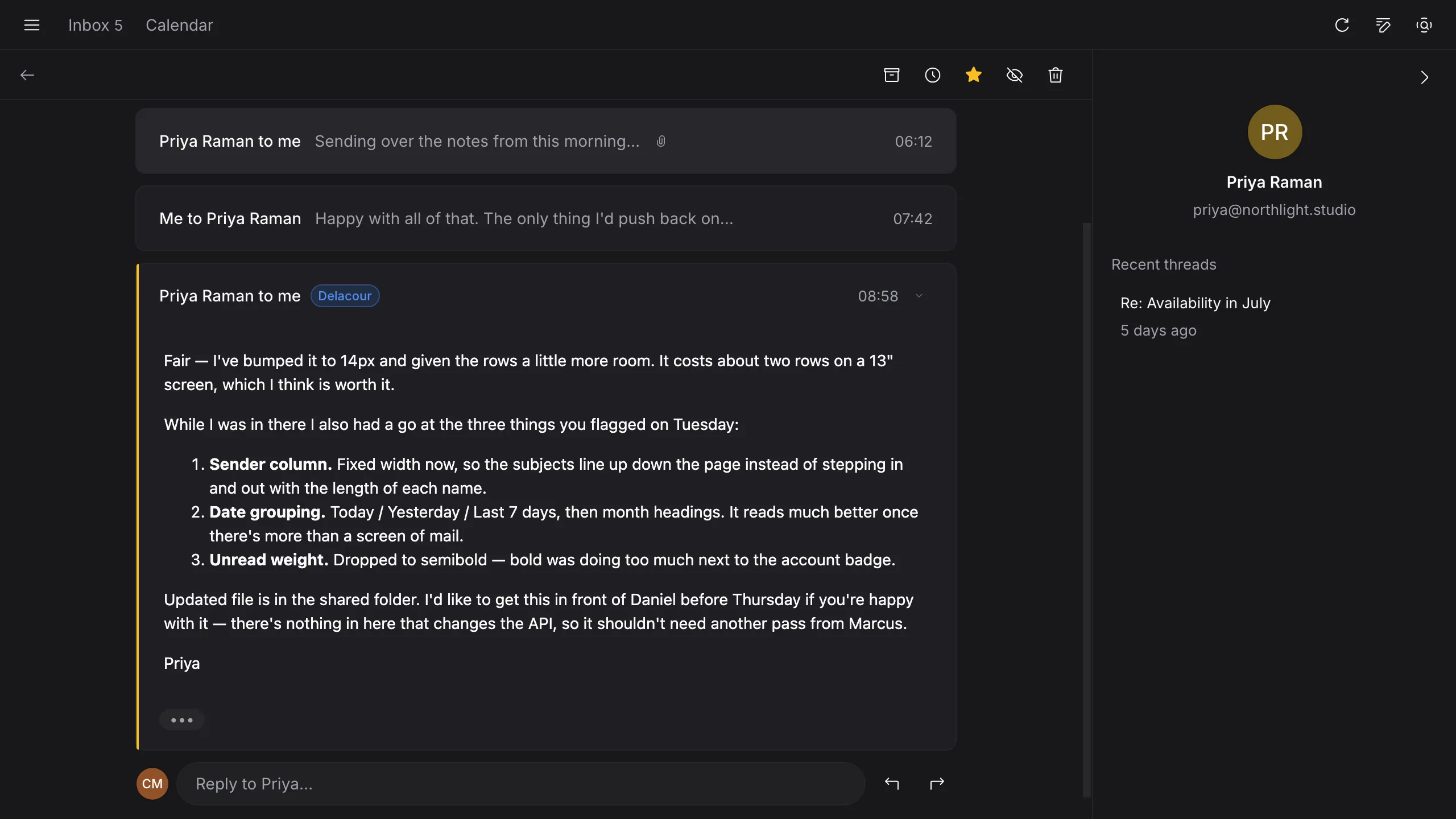
Long threads collapse to a line per reply and fold away quoted text, so you read the conversation rather than fifteen copies of it.
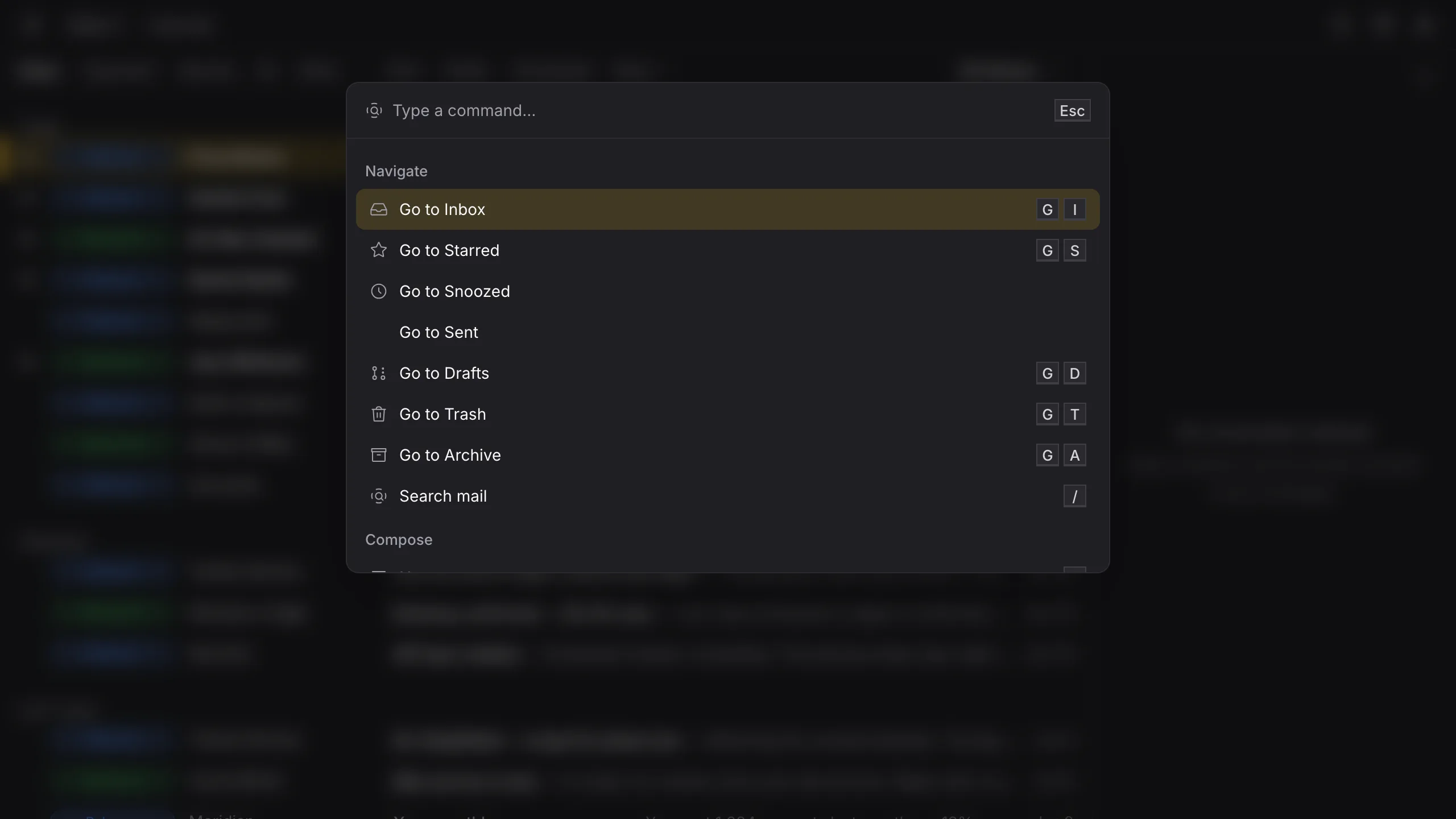
Anything you'd reach for the mouse to do has a letter. Forget one and ⌘K finds the action, with its shortcut beside it for next time. Select a run of threads with Space and one key clears the lot, a single request per account.
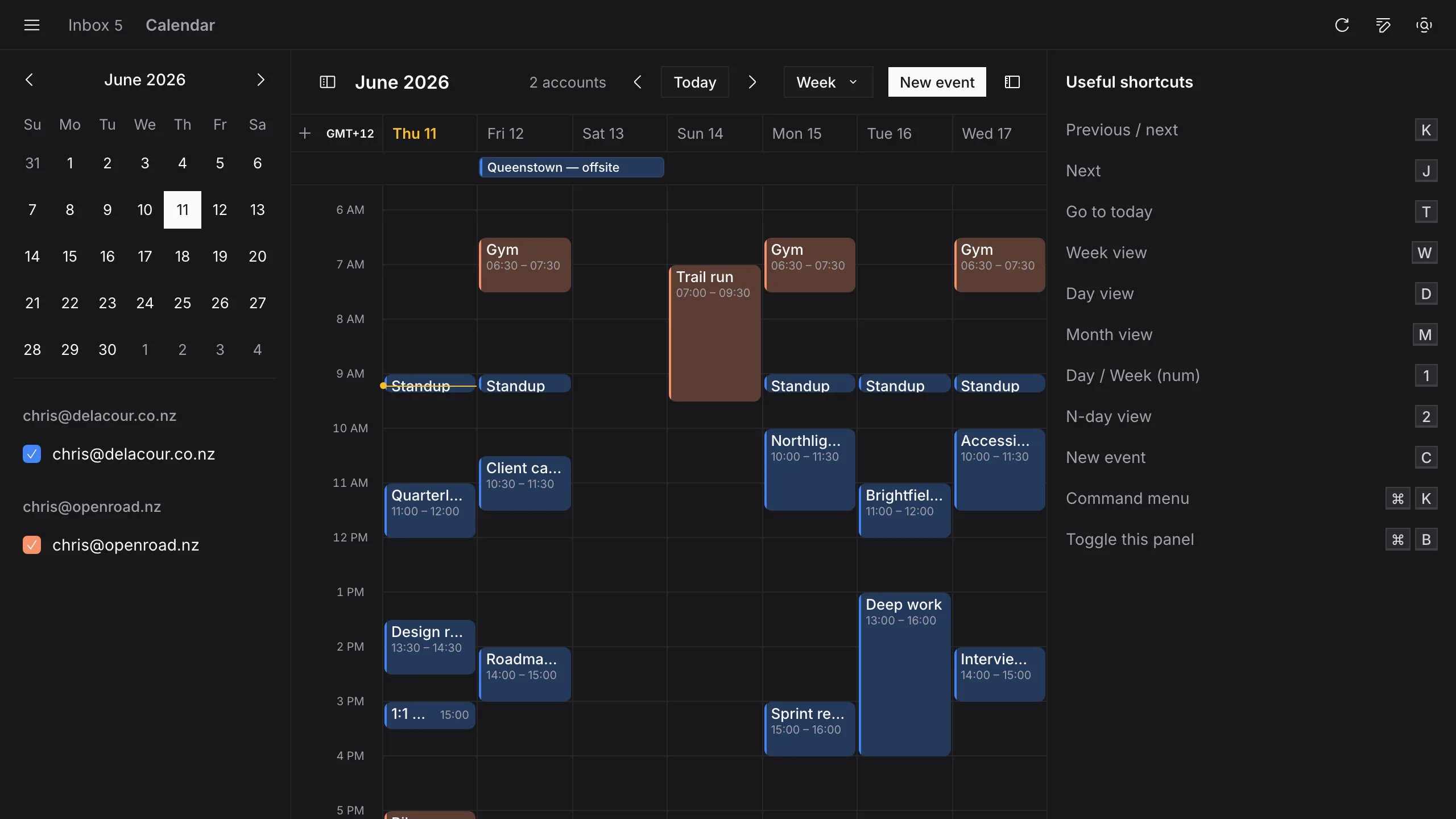
Every connected Google Calendar in one view, colour-matched to its account: day, week, month or any number of days, with extra time zones down the side. Open an event to see who has replied and join the call. On a Mac, one click on the menu-bar icon shows the rest of today without raising a window.
Press H and a thread leaves the inbox, then returns to the top at the moment you chose. Send later holds a message until the time you set.
Both are written into Gmail as [Outpost] labels, and a scheduled message stays an ordinary Gmail draft until it goes, so gmail.com and your phone see exactly what Outpost sees.
Leaves the inbox now. Comes back to the top at the moment you picked, dated then.
Stays a real Gmail draft until it sends, so nothing is held anywhere you can't see it.
The rest of what Outpost does, plainly.
Outpost keeps a synced copy of your mail and calendar on its own server, which is how it stays current and knows when to notify you. Google access is held by the Delacour sign-in service; the app on your computer never holds your Google tokens.
Windows will warn you first: the installer isn't code-signed yet. The Windows download walks you through the two clicks past SmartScreen.
For macOS on Apple Silicon or Intel, and Windows. Bring every Google account you have.
Apple Silicon by default. Intel Mac build