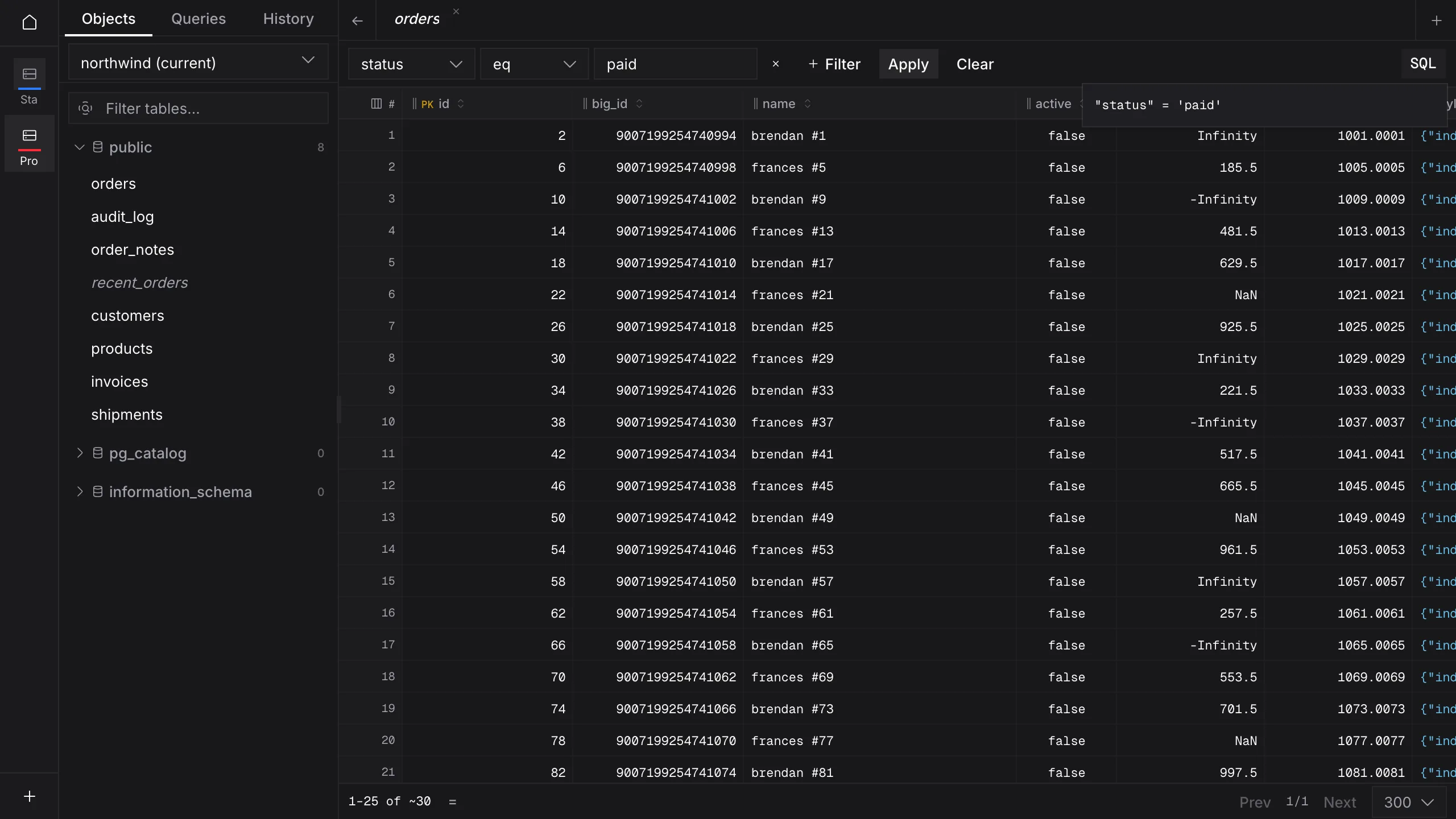
Filter without writing SQL
Equals, ranges, contains, starts or ends with, in a list, is null. Then open the preview to read the WHERE clause the grid is using.
 Quarry
Desktop database viewer · PostgreSQL · MySQL · SQLite
Edits stay in pencil until you've read the SQL.
Quarry opens your database as a sheet you can scroll, filter and correct. Change a cell and it is pencilled in, not written. Commit, and Quarry rebuilds the statements from your edits, shows you every one, and runs them in a single transaction that checks each row count before anything is kept.
| id | customer | status | total |
|---|---|---|---|
| 1041 | ada lovelace | 1 240.00 | |
| 1042 | edgar codd | 86.50 | |
| 1043 | grace hopper | 312.75 | |
| 1044 | edsger dijkstra | 19.99 |
Statements Quarry would run · rows each must touch
UPDATE "public"."orders" SET "status" = 'paid' WHERE "id" = 1042;1A demonstration on this page — no database is involved. In Quarry the statements come from the app's own rebuild of your staged edits, as sheet 02 shows.
The sheet
The objects tree on the left, the table on the right, virtualised in both directions so a wide table scrolls as easily as a long one. Rows arrive a page at a time. Every value is carried from the Rust side as a typed cell, so nothing is rounded through a JavaScript number on its way to you.
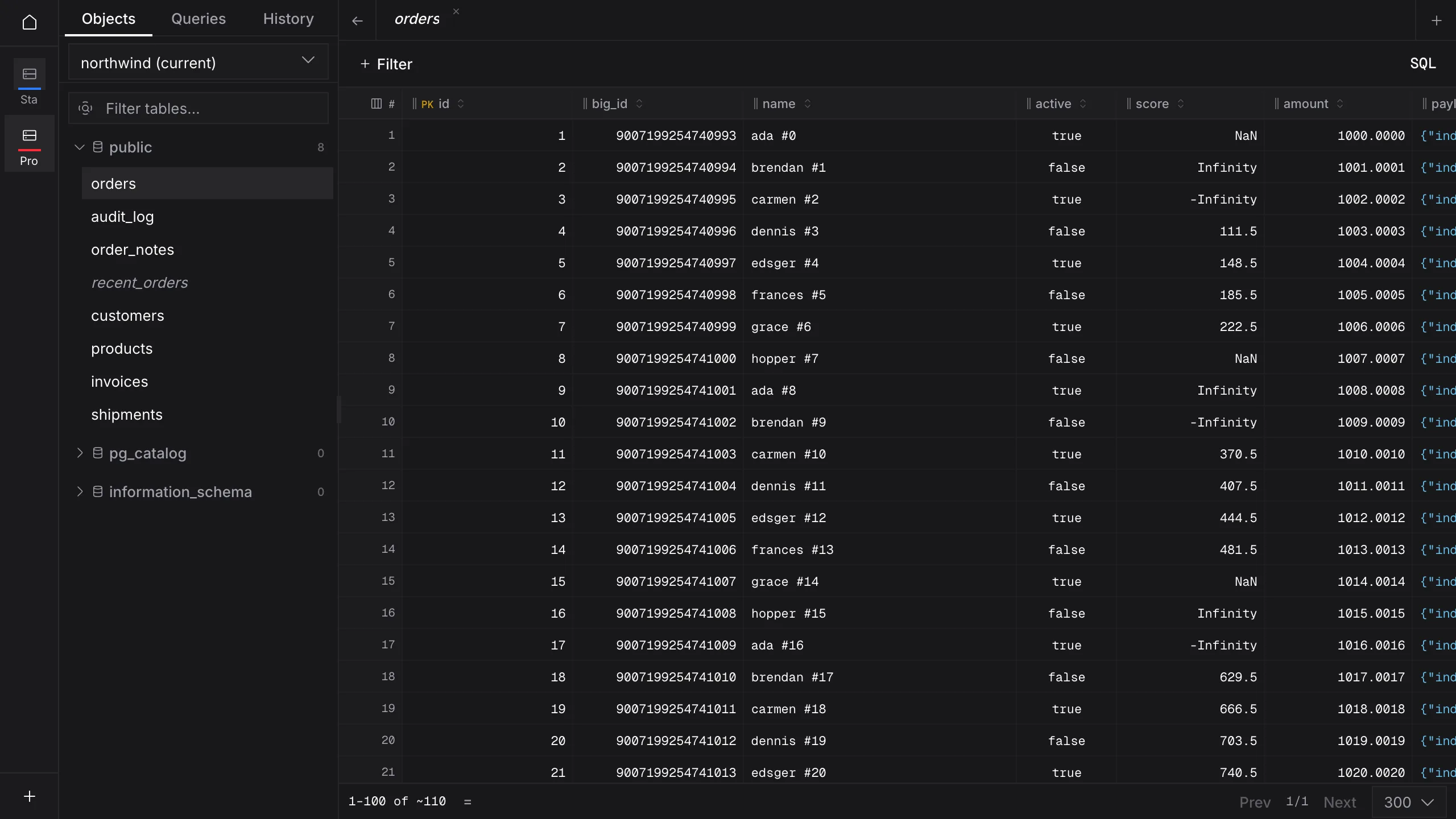
Equals, ranges, contains, starts or ends with, in a list, is null. Then open the preview to read the WHERE clause the grid is using.
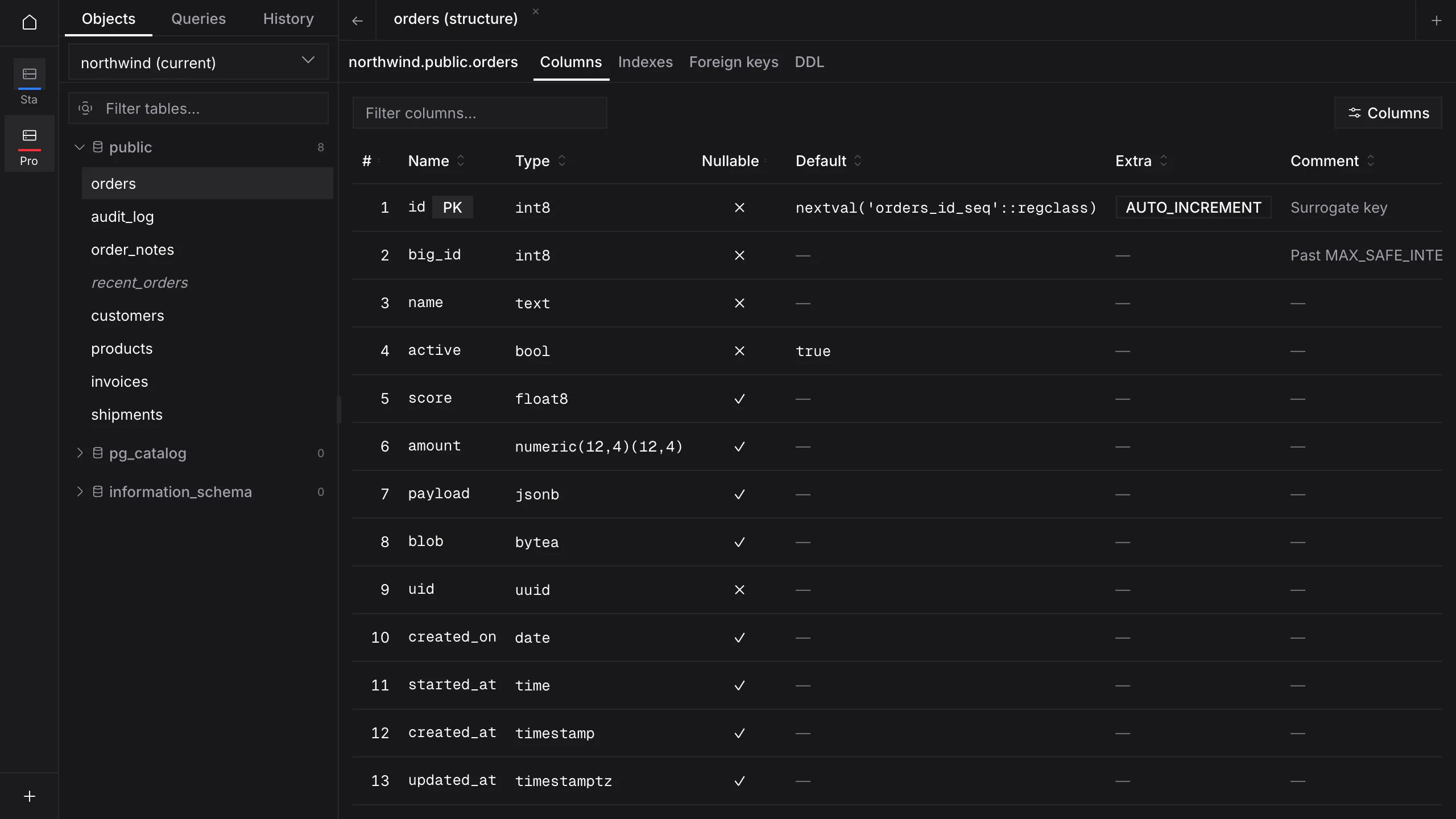
Columns with type, nullability, default and comment, then indexes, foreign keys and the CREATE statement.
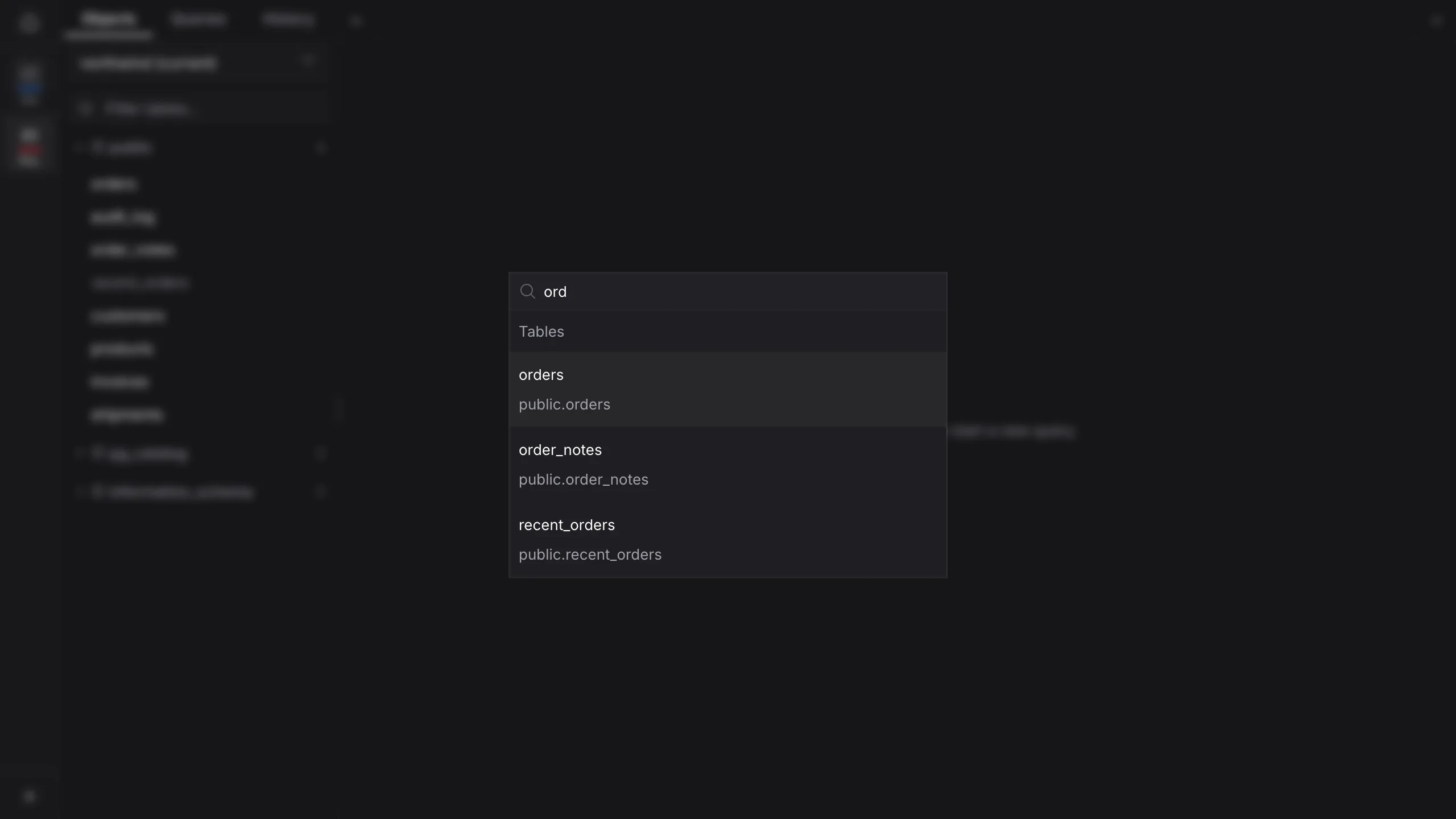
Type a few letters of a table name and you're there, without scrolling the tree.
The posting
Quarry never sends your grid edits straight to the server. They pile up as a changeset you can see, and only a commit turns them into writes.
Double-click a cell and type, or insert a row. The change stays marked on the grid until you commit it or discard it.
⌘IQuarry's Rust side writes the SQL from your staged changes. The statements you are shown are the ones that will run, not a copy the interface put together.
The preview lists every INSERT, UPDATE and DELETE in the order it will run, beside the number of rows each must touch.
⌘⇧POne transaction. If any statement touches a different number of rows than it should, the whole batch rolls back.
⌘S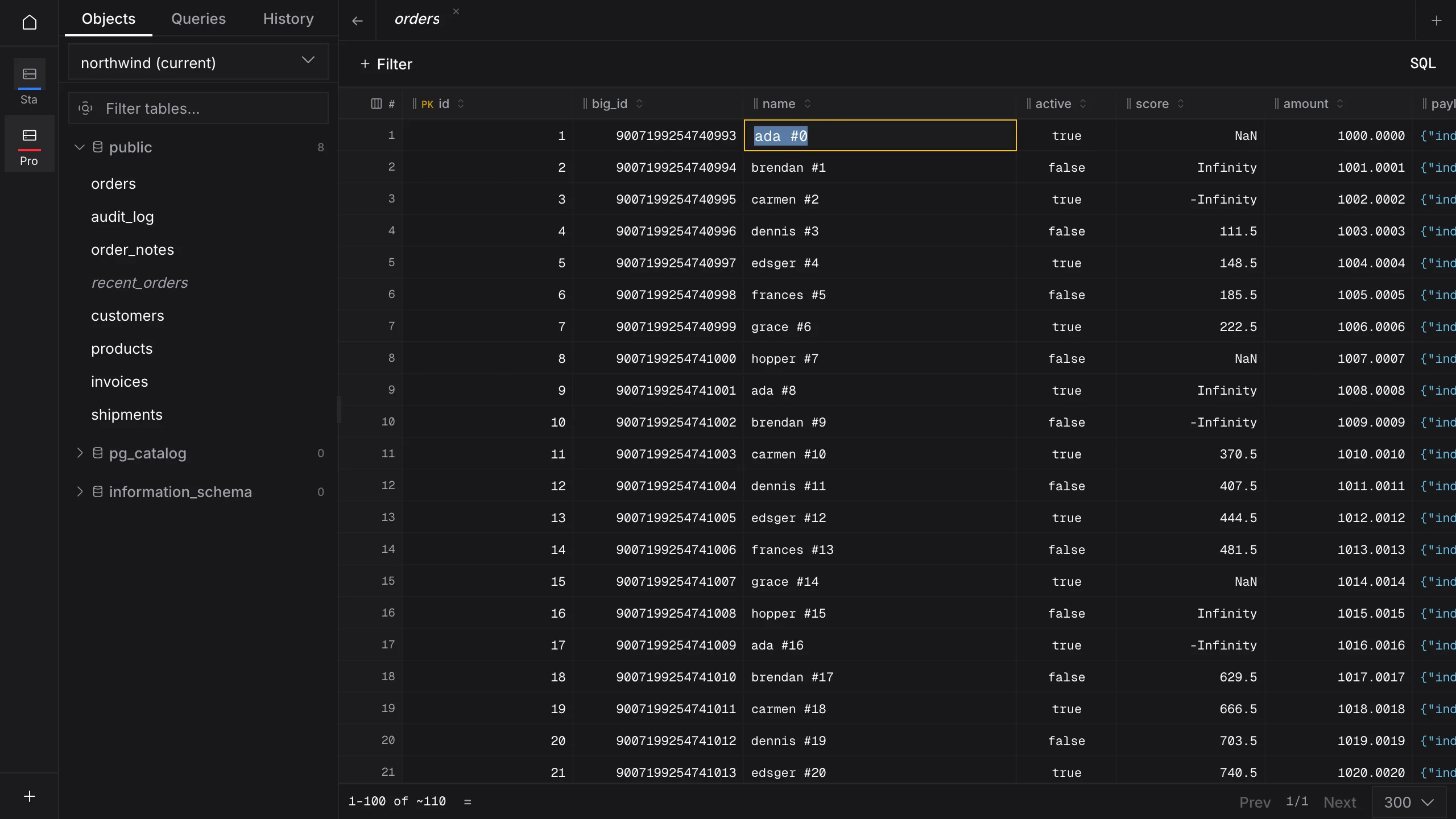
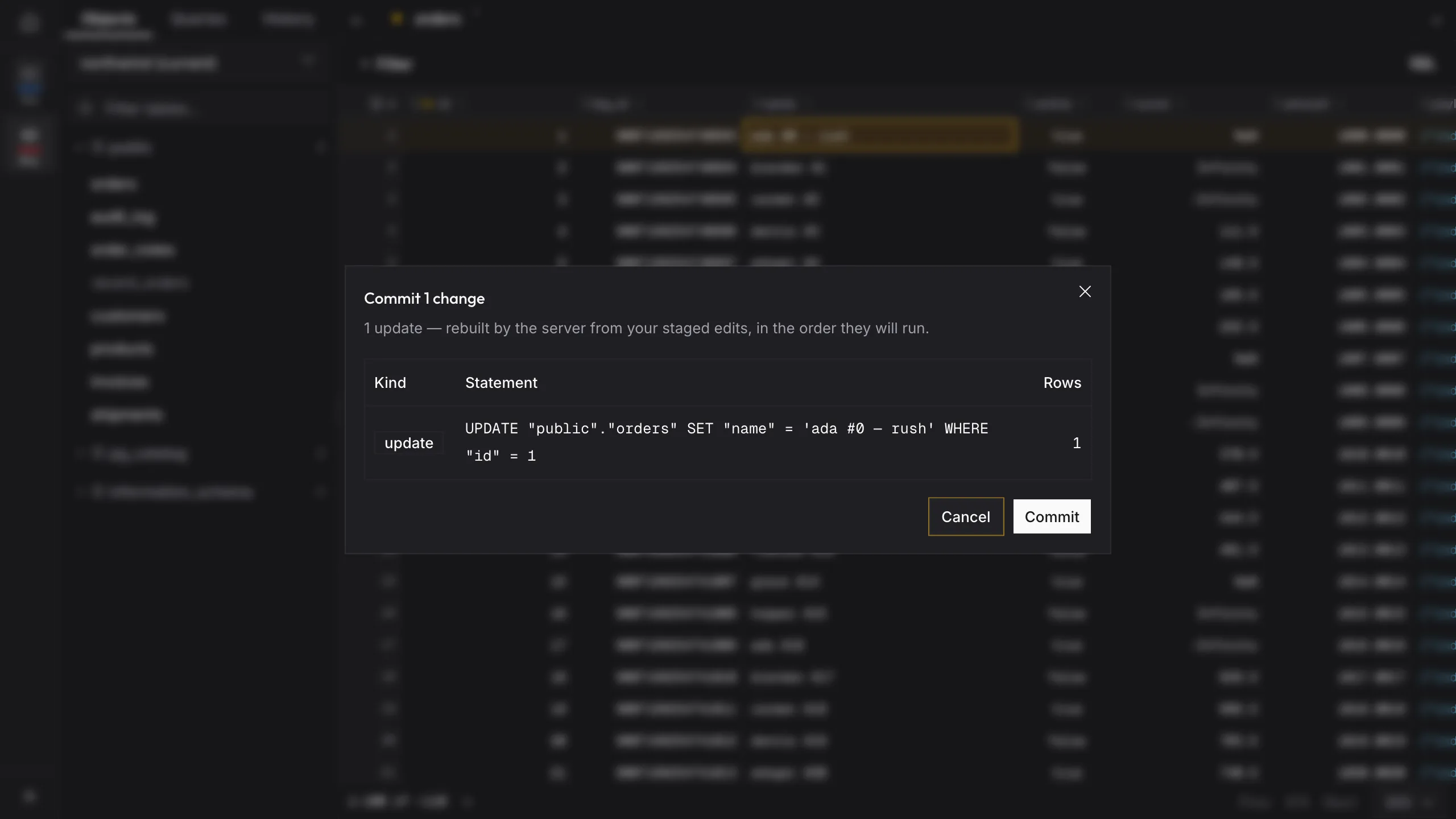
Safe mode is set per connection, so production can ask more questions than your laptop's SQLite file.
Off
Grid commits: Commits run without the dialog, unless they delete more than ten rows.
SQL editor: Runs whatever you write.
Confirm destructivedefault
Grid commits: Every commit shows its preview first.
SQL editor: Asks before any statement that writes rows or changes the schema.
Confirm all
Grid commits: Every commit shows its preview first.
SQL editor: Asks before every run, SELECT included.
There is no setting that deletes more than ten rows without showing them to you first.
The journal
Query tabs use CodeMirror with SQL autocompletion and a formatter. Results land in the same typed grid you browse with. Each query tab holds its own connection, so a transaction you open stays open across runs, and Cancel stops the query on the server, not just in the window.
Saved queries and your query history sit in the sidebar, beside the objects tree.
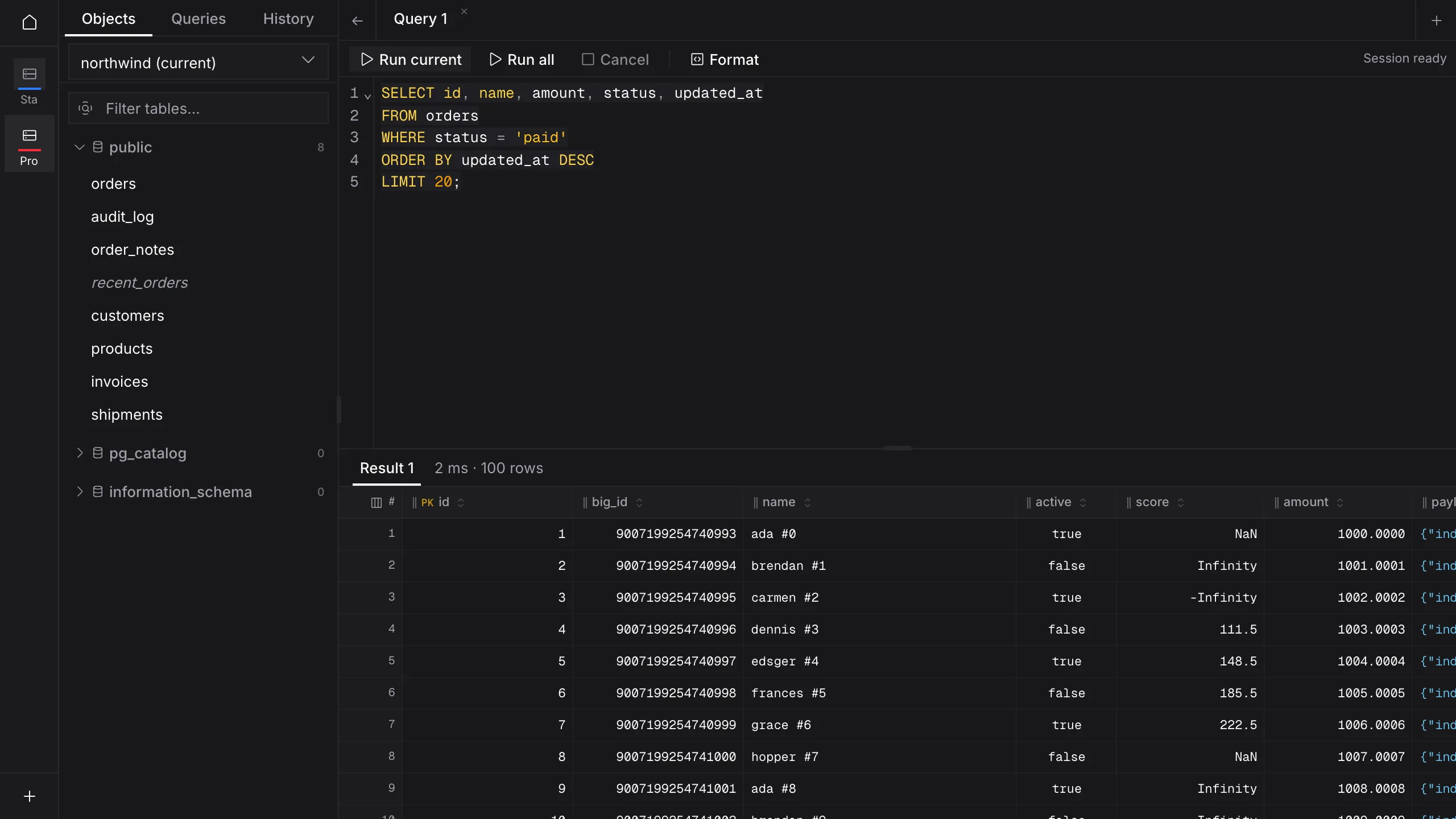
Ctrl in place of ⌘ on Windows.
The accounts
No account, no sign-in, no Quarry server in the middle. The app talks straight to the database you point it at. Connection profiles are kept in a file on your computer and passwords in your operating system's keychain; the only way to see a saved password again is to click Reveal.
Over TCP, with an SSL mode per connection.
The same grid, filters and commit preview.
Pick a file. Quarry checkpoints it cleanly when you quit.
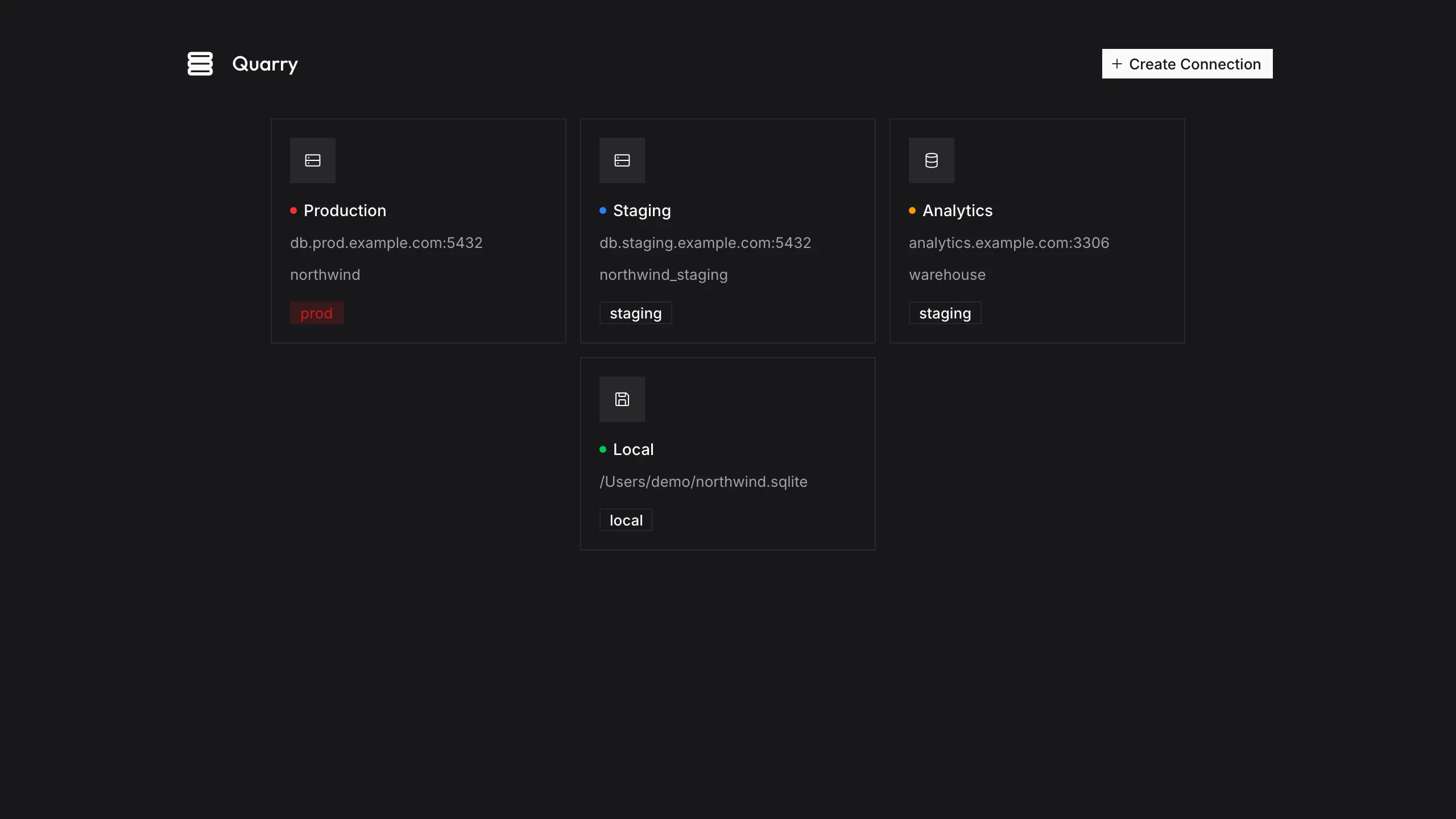
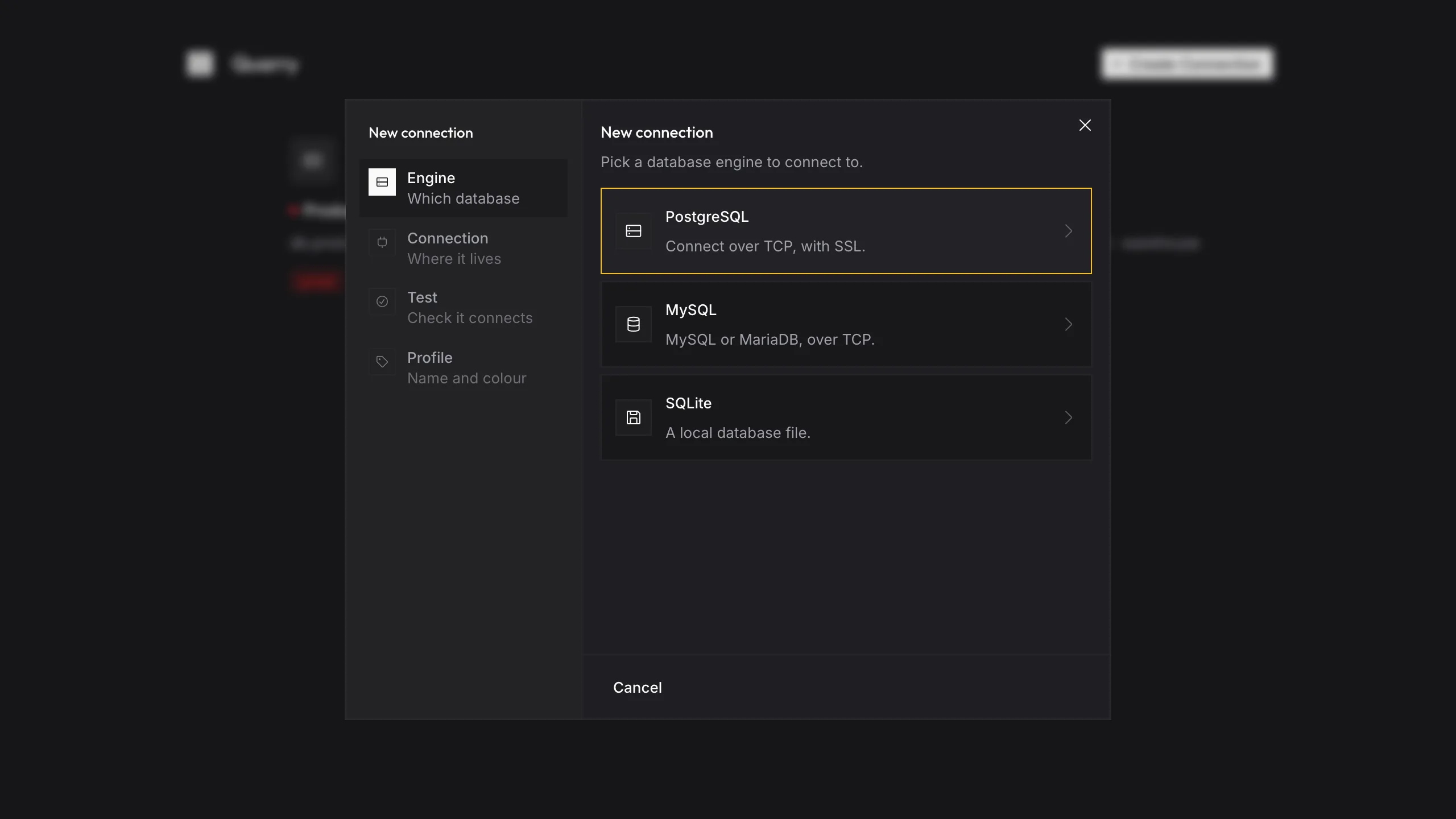
Paste a connection URL to fill the form, test it, then give it a name and a colour, so production never looks like staging.